Credits
A brief explainer about Stract API credits
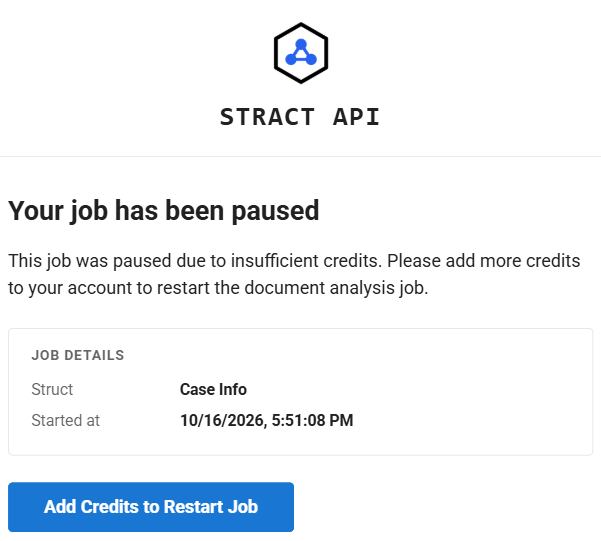
New accounts start with 100 credits to try out Stract API for free. However, after processing and analyzing a few documents, you may receive an email stating that you need to add more credits to finish in progress items.
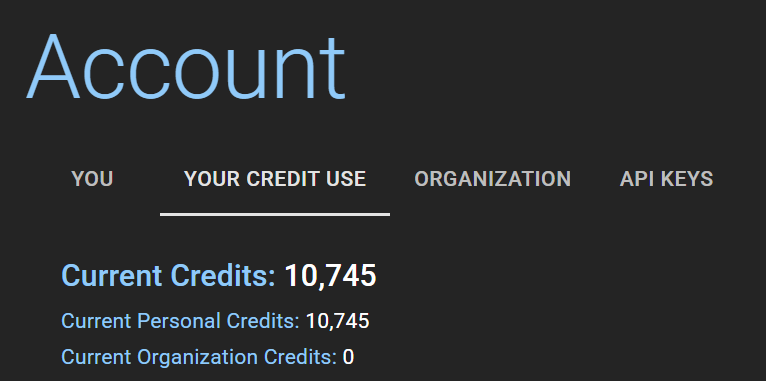
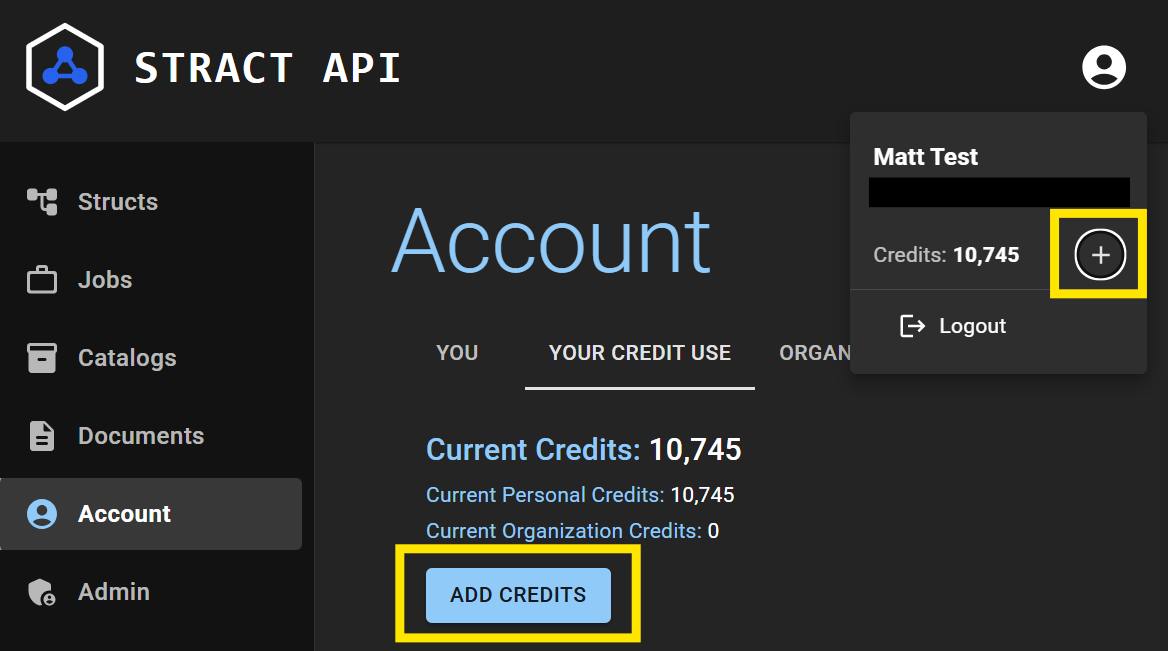
You can check your current credits by going to Account on the navigation bar → Your Credit Use tab. You will see "Current Credits:" followed by the number of credits you have available to your account. If you have a subscription, you will also see the number of credits your personal account has and how many credits your organization's account has. The number of total credits available to your account "Current Credits" is calculated by adding personal credits and organization credits together.
When credits are used on Stract services, organization credits are used first, then personal credits when organization credits drop to zero.
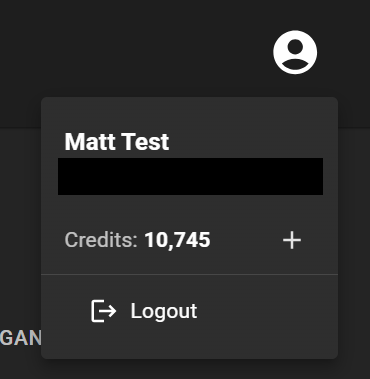
You can also check how many total credits are available by clicking on the icon in the top right corner of the screen.
Credits are used for many of the actions you take on Stract, including adding documents, downloading documents, processing documents, and analyzing documents.
You can add credits to your personal account by either clicking on the "+" button in the top right icon menu or by going to Account → Your Credit Use tab → click on Add Credits.
Credits are exchanged at a rate of 1,000 credits per US dollar. Having a subscription gives your organization a better exchange rate, with up to 1,200 credits per US dollar available to Enterprise users. Follow the prompts to complete the transaction.
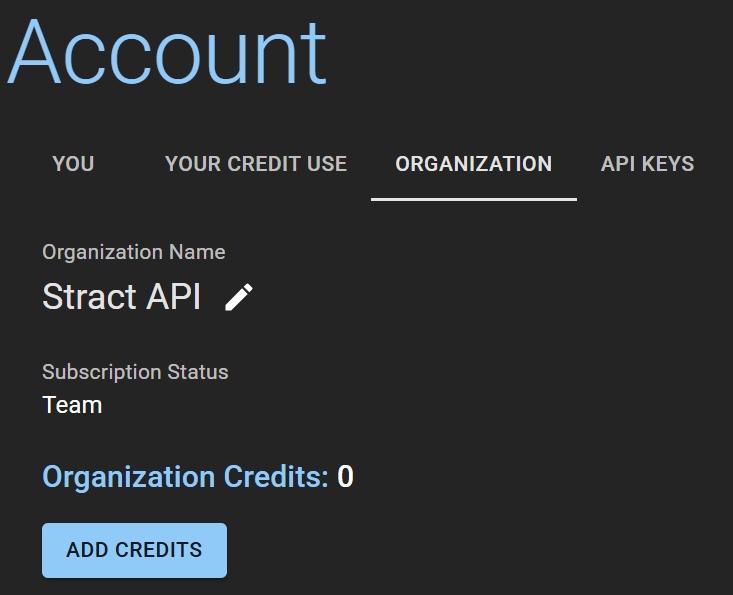
Similarly, if you are an organization administrator, you can add credits to your organization's account, for your organization's users to utilize. You can do this by going to Account → Organization tab → click on Add Credits. The process for completing the transaction is identical to that of adding credits to a personal account.